
Menu
Close
- Payment
- Solutions
- Why CERTIFY Pay
Company
Features
- Resources
- Payment
- Solutions
- Why CERTIFY Pay
Company
Features
- Resources
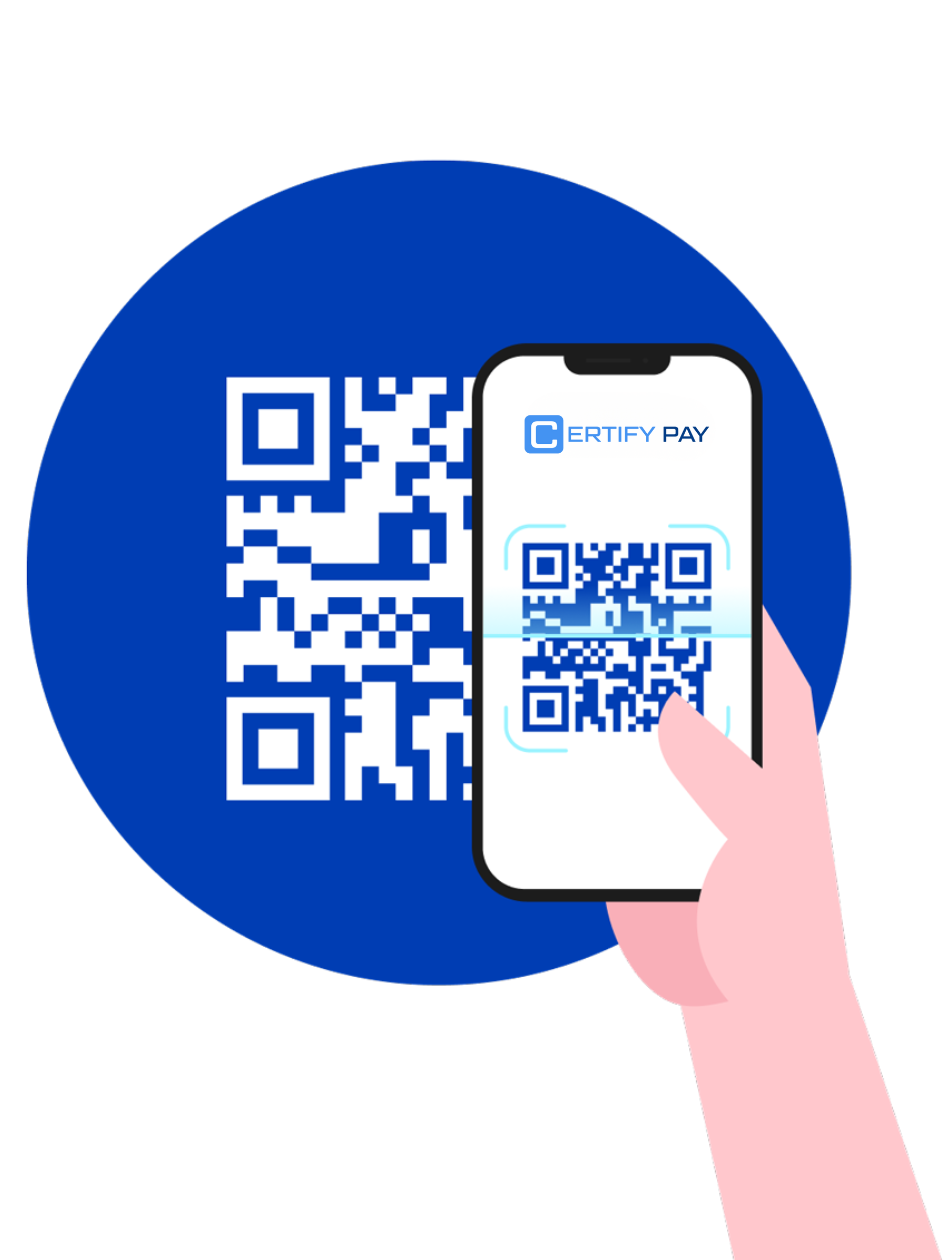
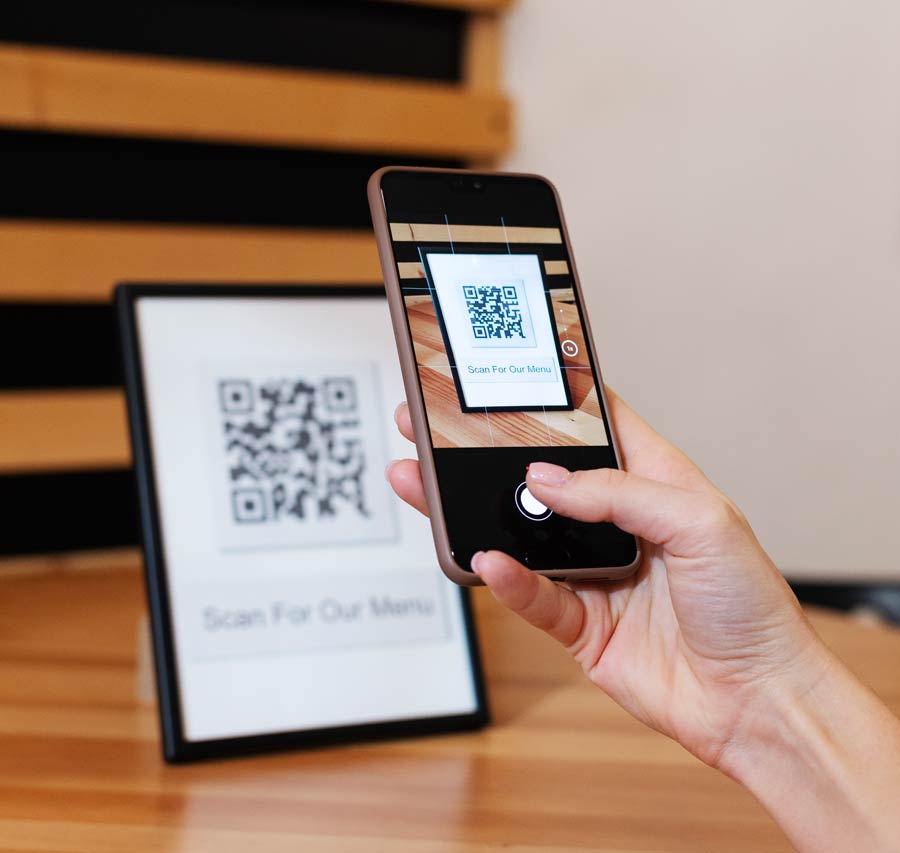
Start accepting QR Code Payments at your practice. Using the scan-to-pay option, offer your customers an easy, secure, and simple way to pay.
Print and use the QR code as a payment method at your front desk.
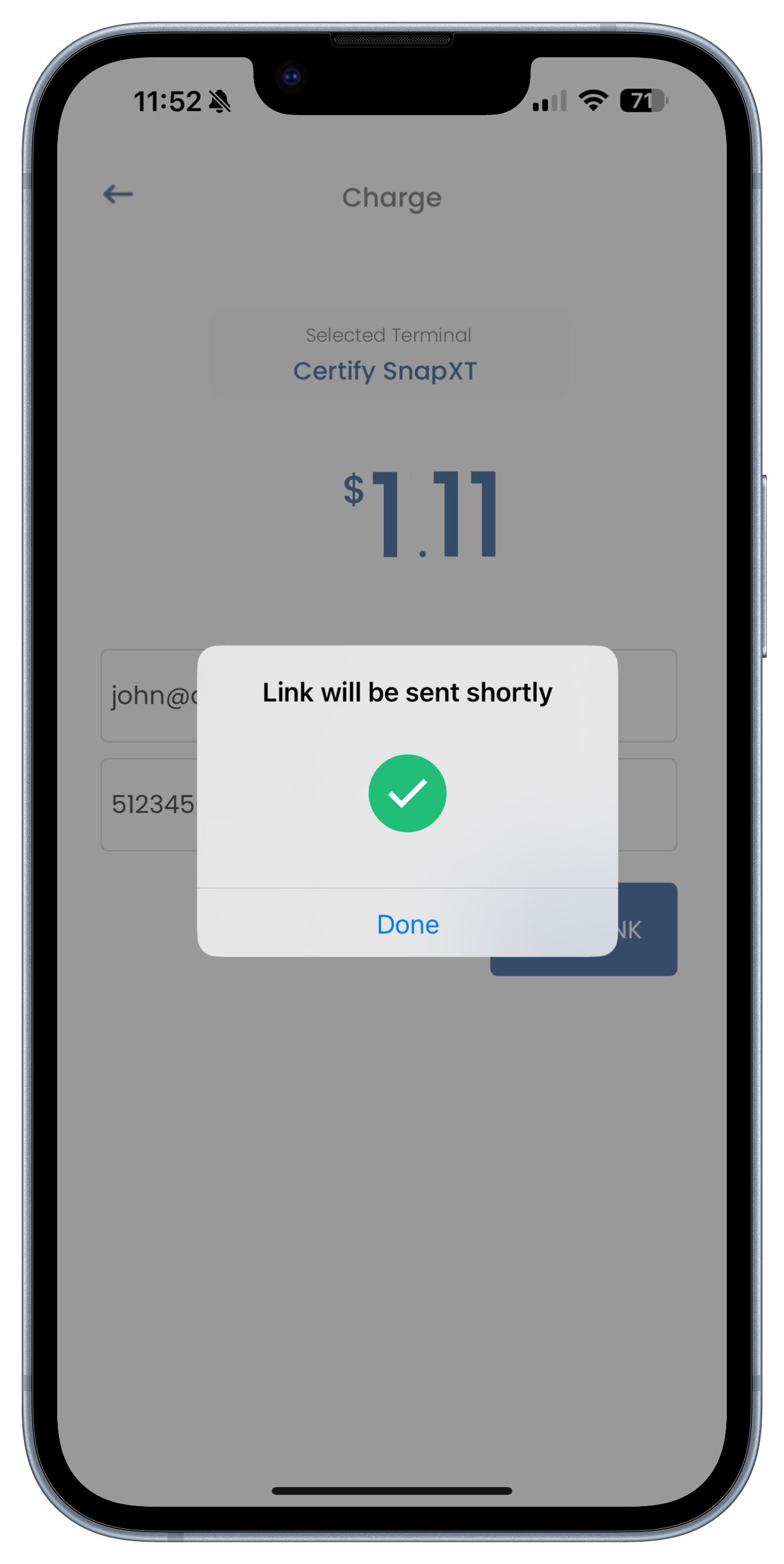
Share the QR code or its link with your customer and accept payments on the go.
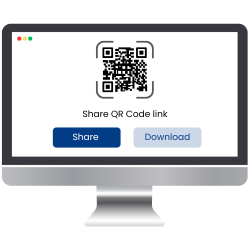
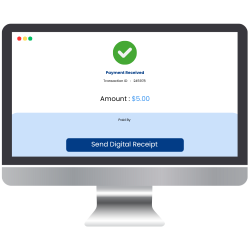
Touchless payment methods are gaining popularity among both merchants and customers. So, we at CERTIFY Pay offer extensive payment methods through QR codes, where they can quickly generate and share the QR paylink with their customers.
Let’s dive into a stepwise guide to kickstart the process.


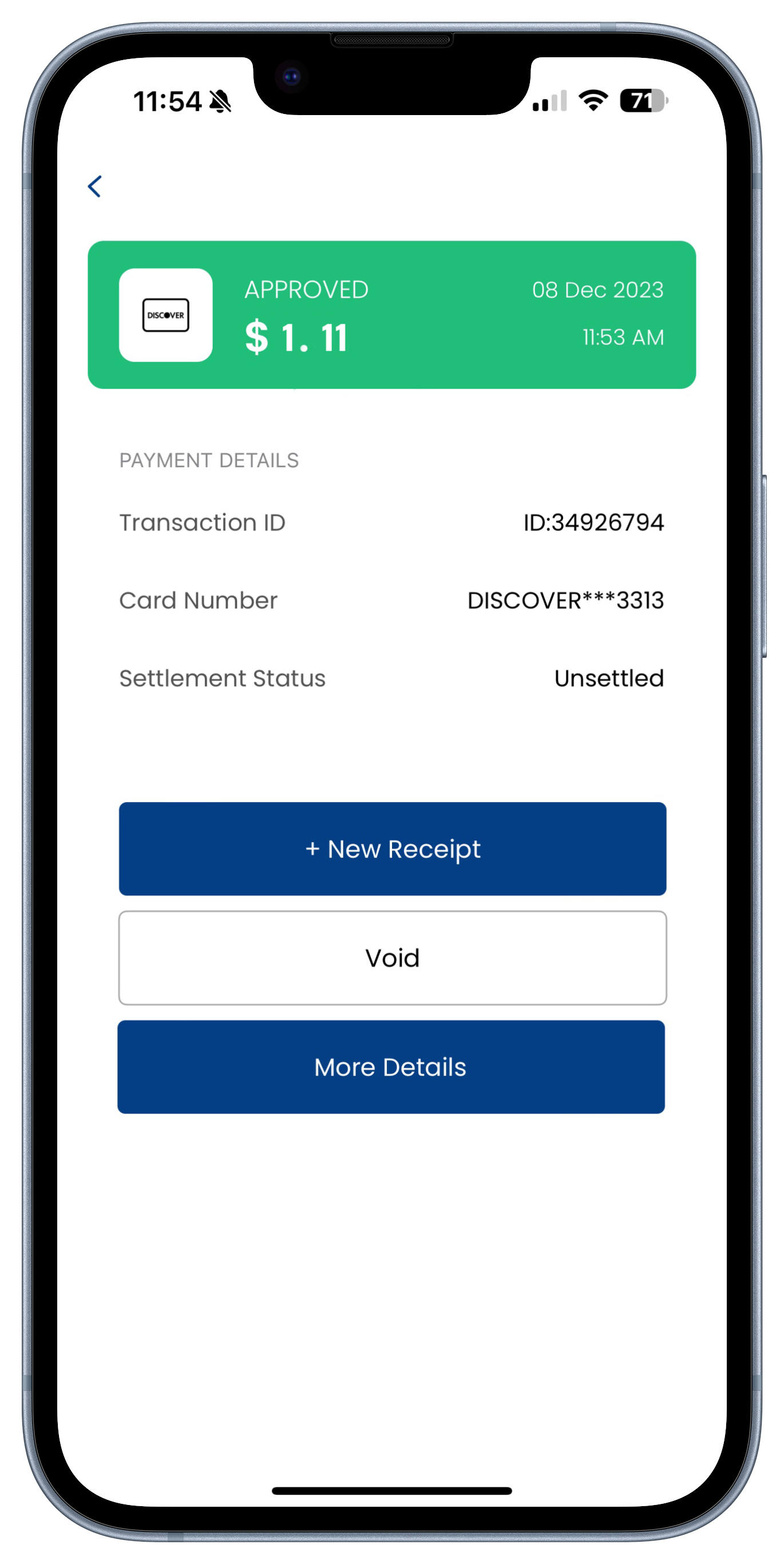
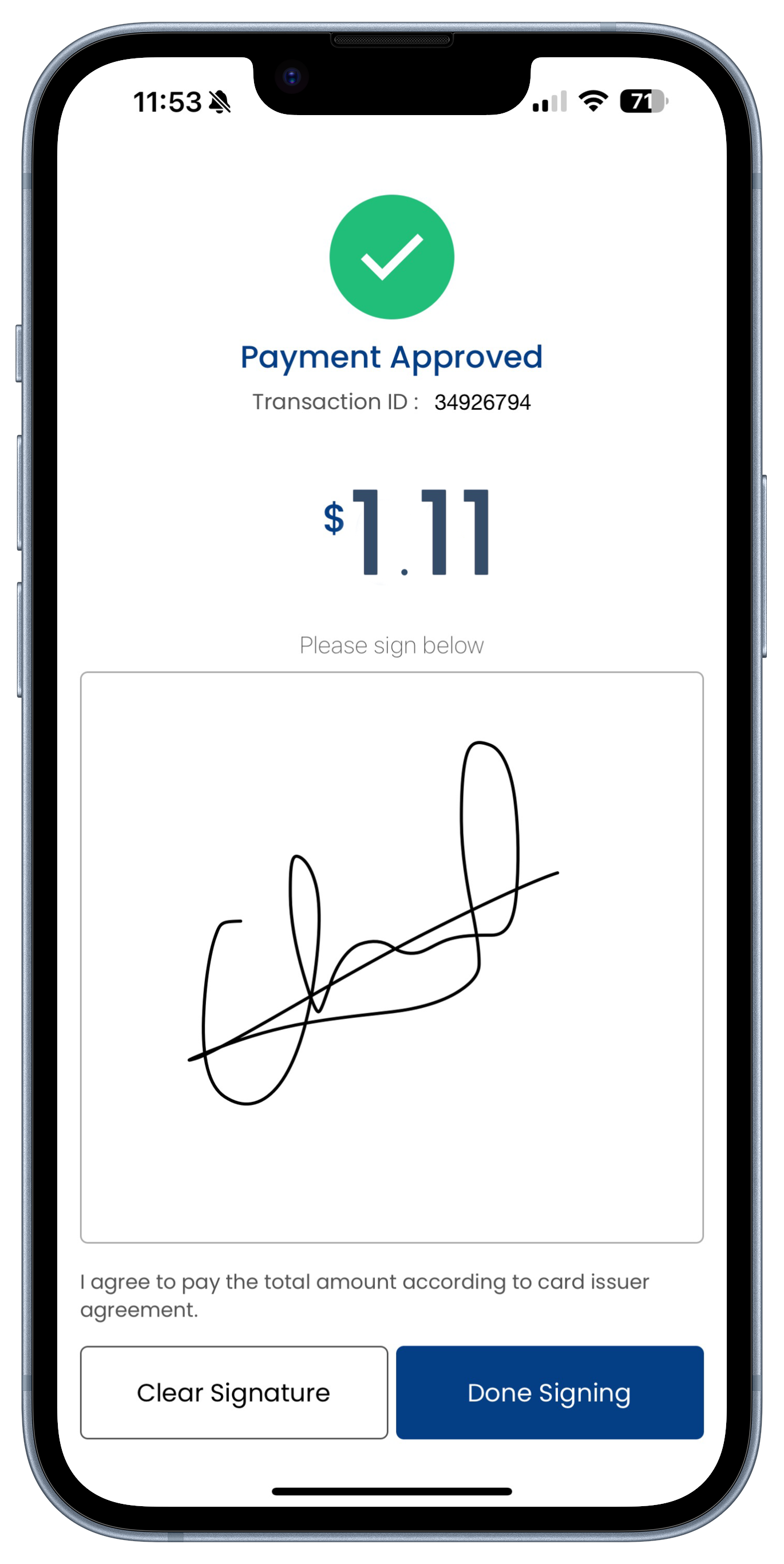
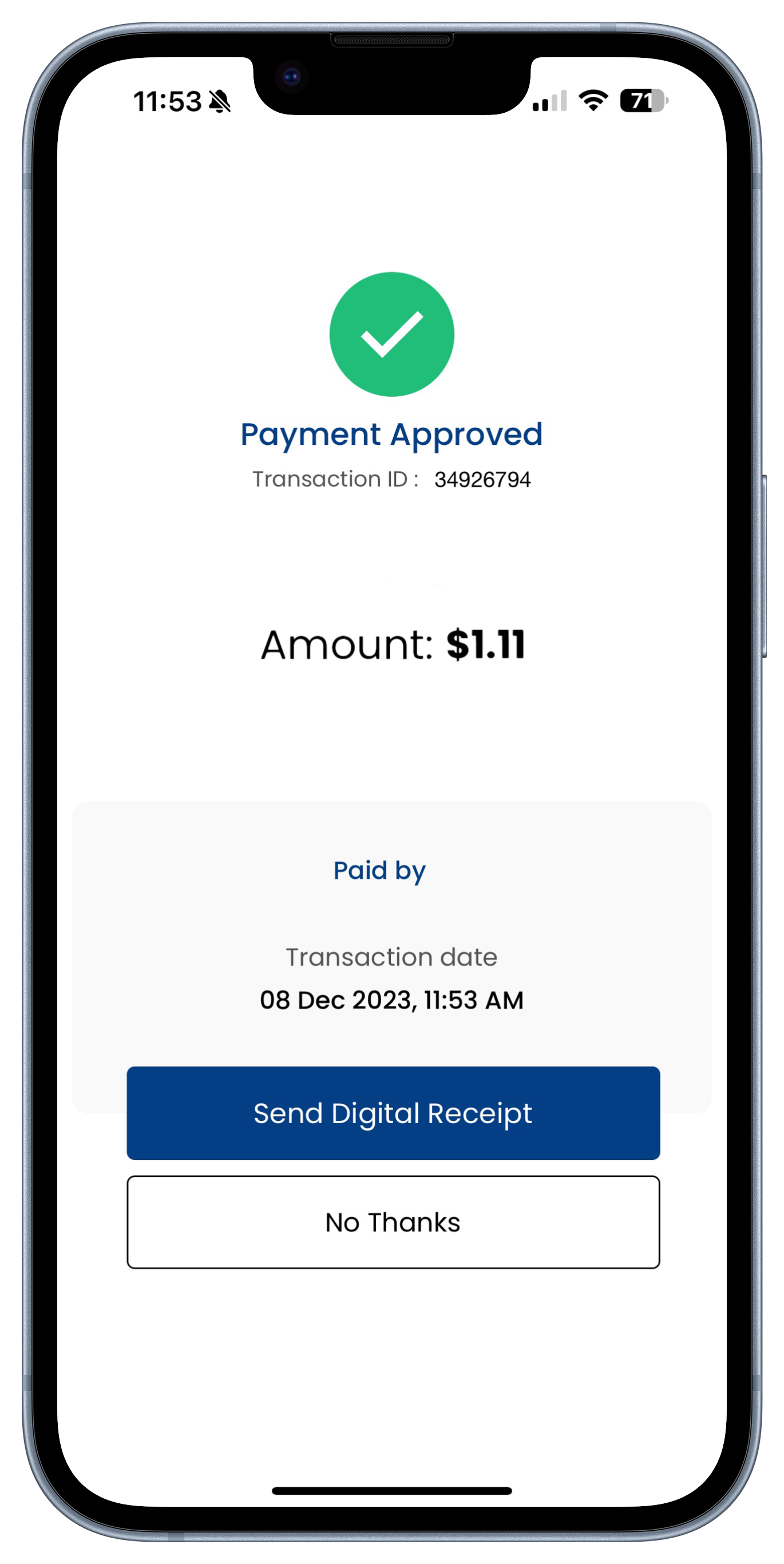
The merchant receives real-time confirmation in CERTIFY Pay, and the patient/customer receives a digital receipt.
As a leading payment service provider of QR code payment applications, we deliver custom QR solutions to cater to our customers’ needs.
With CERTIFY Pay QR Code payment, transactions are swift and secure. Experience contactless convenience, faster payments, and increased payment security for both your practice/ merchant business and patients/customers.
Scan the QR code to pay, eliminating the need for manual card entry.
Payments are processed in seconds, reducing wait times for both patients and providers.
Engage patients/merchants with the scan-to-pay option for smooth and hassle-free transactions.
Safeguard patient data with robust security measures, including encryption, authentication, dynamic codes, and access control.
CERTIFY Pay, as a contactless payment system, lets you accept payment via QR code from Apple Pay, Google Pay, AfterPay, and major credit/debit cards.
The QR Code of CERTIFY Pay is free for businesses to use. There are no monthly charges by us.
QR codes do not expire for payment purposes. You and your customers are free to use them as often as necessary.
The processing time for QR code payments is only within three seconds.
With a QR code payment, the customer uses their smartphone to scan the merchant’s QR code and pay for their purchases. They then enter the required payment amount and submit.

CERTIFY Pay innovative solutions, including QR code payments, drive businesses into a new era of technical advancement. These not only enhance operational efficiency but also drive revenue growth.

We are committed to delivering innovative payment technology solutions that empower businesses to operate securely and efficiently. Our goal is to equip merchants with cutting-edge tools for managing, optimizing, and streamlining their payment processes.


Copyright © 2026 CERTIFY Pay. All Rights Reserved


